Pucire - Google Slide Template: A Visual Toolkit for Modern Presenters
Let's be honest: most presentations are forgettable. They're either a wall of text on a plain background or a chaotic mess of mismatched fonts and clip art. Your ideas deserve better. A powerful presentation is about more than just bullet points; it's about visual storytelling that captivates your audience from the first slide to the last. This is where a thoughtfully designed template like the Pucire - Google Slide Template becomes an essential asset, transforming your message from mundane to memorable.
Beyond the Basics: What Makes a Template Truly Useful?
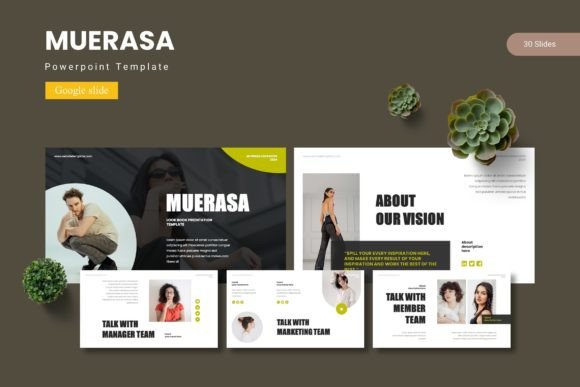
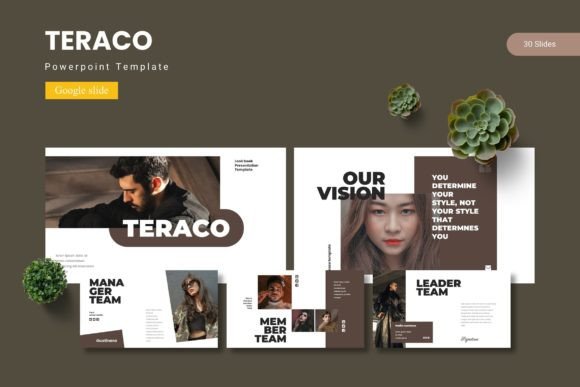
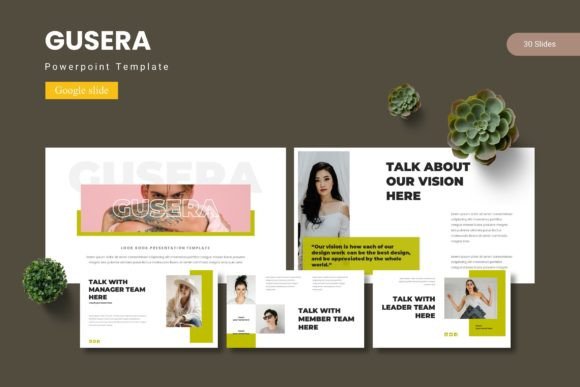
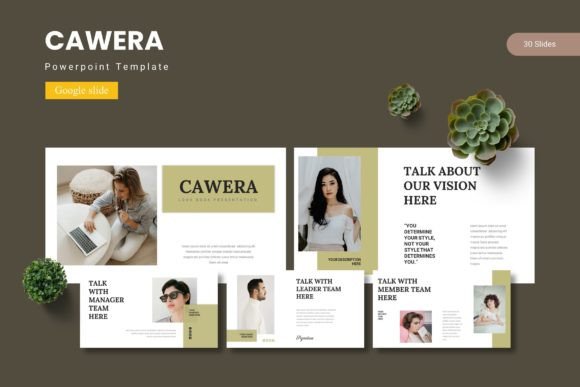
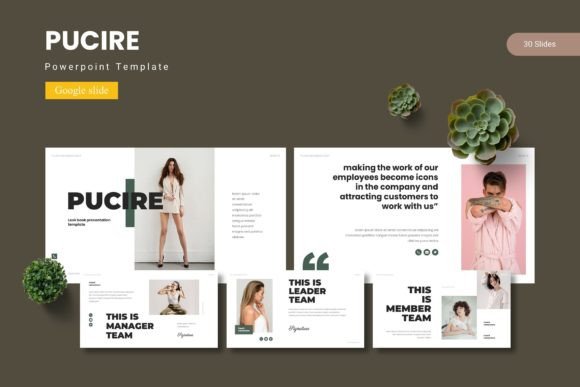
A good template should do more than just look pretty in a preview. It needs to function as a flexible system that adapts to your specific needs. The Pucire - Google Slide Template is built on this principle. With over 150 total slides across five premade color schemes, it offers a substantial library of layouts. Each of the five templates contains 30 unique slides, providing ample space for everything from a concise project update to a detailed business plan. The inclusion of section break slides is a simple but crucial feature for structuring long-form content, helping your audience follow your narrative flow.
The real value, however, lies in its customizability. Built on master slides, making a global change—like updating a font or color—is a matter of a few clicks, not hours of tedious editing. Every graphic element is not only pixel-perfect but also fully resizable and editable. This means you can scale an infographic to fit a specific layout without losing quality, or tweak a color to perfectly match your brand palette. The drag-and-drop picture placeholder is a time-saver for anyone who regularly incorporates photography or mockups into their decks.
From Pitch Decks to Portfolios: Practical Applications
The versatility of the Pucire - Google Slide Template extends far beyond a standard sales pitch. Consider these real-world scenarios where its features directly solve common problems:
- Entrepreneurs & Startups: Quickly assemble a compelling investor deck. The handcrafted infographics are perfect for illustrating market data, growth metrics, and business models in a clear, engaging way that builds credibility.
- Marketers & Agencies: Develop consistent brand style guides or campaign performance reports. The five color variations allow you to create presentations for different clients or sub-brands while maintaining a cohesive, professional look.
- Educators & Trainers: Create dynamic course materials or workshop slides. The diverse slide types help break down complex information into digestible visuals, improving learner retention and engagement.
- Creative Professionals: Use the gallery and portfolio slides to showcase work in a sleek, organized manner. Whether you're a photographer, graphic designer, or architect, presenting your projects cleanly makes a powerful impression.
- Small Business Owners: Design internal training manuals, product launch announcements, or community meeting presentations that reflect the quality and care you put into your work.
This template is a foundational design asset. It helps establish visual consistency, which is a cornerstone of strong brand recognition. When every slide in your deck, and every deck you produce, shares a common design language, you reinforce your brand identity with your audience, whether they're clients, colleagues, or investors.
Making It Your Own: Practical Customization Tips
Getting started with the Pucire - Google Slide Template is straightforward, but a few strategic choices can elevate your results.
- Start with Color: The five premade color schemes are your starting point, not your endpoint. Choose the one that aligns closest to your brand, then use the master slides to apply your exact hex codes. This ensures your presentation is uniquely yours.
- Curate Your Typography: The included font information in the "Readme First" file is critical. While the template uses specific fonts, you can substitute them with your own brand fonts. The key is to maintain hierarchy: use a bold, clean sans-serif for headlines and a highly readable serif or sans-serif for body text. Test your chosen fonts at small sizes to ensure they remain legible when projected.
- Leverage the Infographics: Don't just insert data into the pre-made charts. Take a moment to resize them, change their colors to match your scheme, and add concise labels. A well-integrated infographic can convey a complex idea faster than a paragraph of text.
- Utilize the Placeholders Effectively: The picture placeholders are designed for drag-and-drop simplicity, but the quality of your images matters. Use high-resolution, professional photos. A stunning landscape or a crisp product shot can dramatically increase the visual appeal of your entire slide.
Remember, the goal is to use the template as a scaffold for your ideas, not as a rigid cage. The most effective presentations feel personal and authentic. By thoughtfully adapting the Pucire - Google Slide Template, you create a final product that is both professionally polished and distinctly yours, ultimately leading to better audience engagement and a more impactful delivery of your message.