Puninus: Crafting Impactful Presentations with Modern Slides
You’ve spent weeks refining your business strategy, you’ve analyzed the data, and you have a story to tell. Yet, when you open a blank presentation file, the cursor blinks mockingly at you. We have all been there. The gap between a great idea and a visually compelling presentation often lies in the tools we use. While content is king, in the world of business pitches, educational seminars, and marketing proposals, visual communication is the vehicle that delivers that content to your audience. If your slides look cluttered, inconsistent, or dated, your message gets lost in the noise. This is where having a robust design system, like the Puninus - Powerpoint Template, becomes less of a luxury and more of a strategic necessity for professionals who value their time and their brand image.
The Anatomy of Visual Confidence
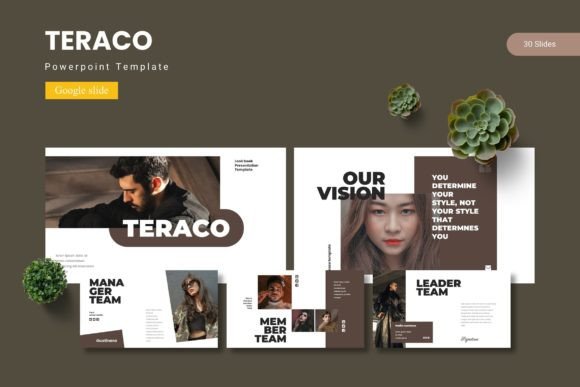
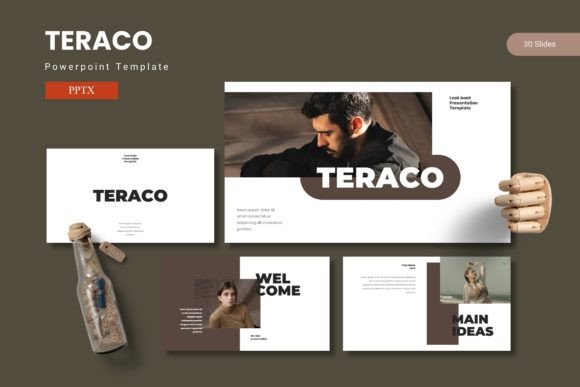
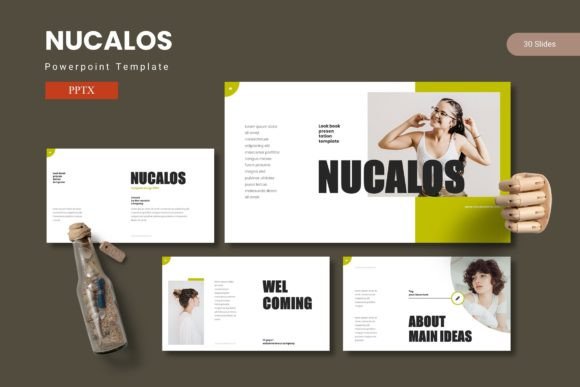
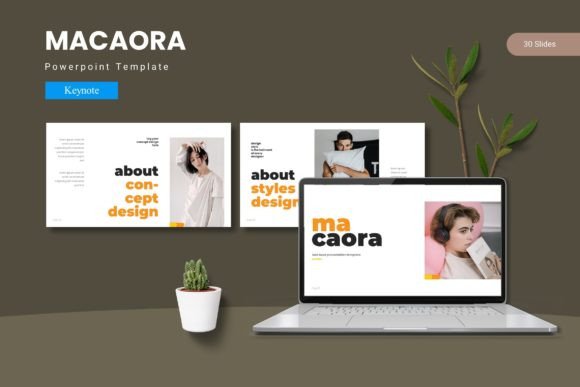
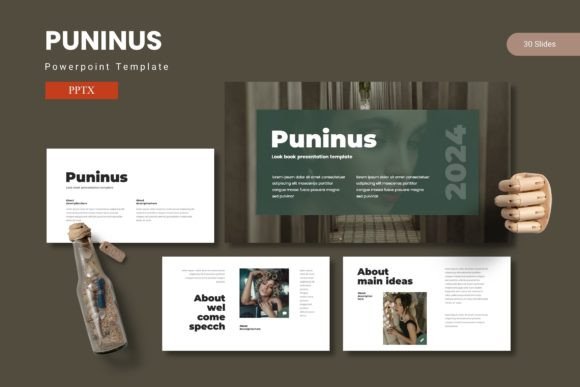
What separates a mediocre slide deck from one that commands the room? It usually comes down to structure and design consistency. The Puninus - Powerpoint Template is built on the philosophy that a presentation should be an extension of your brand’s visual identity, not an afterthought. With over 150 total slides spread across five premade color variations, this template offers a comprehensive library of layouts designed to handle any type of information you throw at it.
One of the most critical features here is the reliance on Master Slides. For those unfamiliar, this is the backbone of professional PowerPoint design. Instead of manually formatting every single page, changes made to the Master Slide ripple through the entire presentation. This ensures that your fonts, colors, and footer placements remain pixel-perfect from the first slide to the last. It eliminates the "Frankenstein" effect—where slides clearly look like they were copied and pasted from different sources—and replaces it with a cohesive narrative flow.
Furthermore, the inclusion of Section Break Slides is a subtle but powerful tool for pacing. In a long presentation, cognitive fatigue is real. These dedicated slides act as visual palate cleansers, signaling to your audience that you are shifting gears. Whether you are moving from "Market Analysis" to "Product Features," these breaks help your audience reset their focus, ensuring your key points land with the intended impact.
Infographics and Data Visualization: Telling the Story Behind the Numbers
Raw data is rarely inspiring. A spreadsheet full of quarterly earnings or demographic statistics needs context to become a story. This is perhaps the strongest suit of the Puninus - Powerpoint Template. It features handcrafted infographics that allow you to translate complex metrics into digestible visual metaphors.
Consider the difference between listing sales figures in bullet points versus displaying them in a custom-designed, color-coded chart that matches your brand palette. The latter doesn't just inform; it persuades. The template includes a variety of diagram styles—hierarchy charts, timeline graphics, and comparison tables—that are fully editable. You aren't locked into a specific data set; you can resize, recolor, and restructure these graphics to fit the specific narrative of your project.
This is particularly vital for branding and marketing assets. When you present a marketing strategy to a client or a stakeholder, the presentation itself is a sample of your work. Using pixel-perfect illustrations signals that you pay attention to details. It suggests that if you care this much about the aesthetics of the slide, you likely care just as much about the quality of the service or product you are offering.
Beyond the Boardroom: Versatility for Modern Creators
While the primary use case for PowerPoint is business, the utility of a high-quality template like Puninus extends far beyond quarterly reviews. In the digital age, the lines between presentation, portfolio, and social content are blurring.
The Digital Portfolio: For freelance designers, photographers, or architects, this template serves as a dynamic digital portfolio. The Gallery and Portfolio slides included in the package are specifically designed to showcase high-resolution imagery. Instead of sending a static PDF, you can create a fluid, interactive experience that guides potential clients through your best work.
Social Media Graphics: Did you know PowerPoint can be a powerful tool for creating social media graphics? By setting your slide dimensions to 1080x1080 pixels (for Instagram) or 1920x1080 (for YouTube thumbnails), you can utilize the vector elements and typography of the Puninus template to create consistent social posts. This is a cost-effective way for small business owners to maintain a high-end aesthetic without needing a subscription to complex design software.
Educational and Workshop Materials: If you are a course creator or educator, the structure of 30 slides per template color variation provides a ready-made framework for curriculum design. The layout hierarchy naturally guides the creation of learning modules, ensuring that your students receive information in a structured, easy-to-follow manner.
Practical Design: Drag-and-Drop Efficiency
A common frustration with premium design assets is the learning curve. You buy a template, but customizing it feels like solving a Rubik's cube. The Puninus - Powerpoint Template mitigates this through its Picture Placeholder functionality.
This feature allows you to drag and drop your own images directly into the designated shapes. The template automatically crops and fits the image to the frame, maintaining the designer's original composition. This is a massive time-saver. It means you can swap out stock photos for your own team headshots or product shots in seconds, not minutes. It transforms the template from a static design into a flexible tool that adapts to your content.
Additionally, because all graphics are resizable and editable, you are never stuck with a design element that doesn't fit. If an icon is too large, scale it down. If a vector shape is the wrong color for your brand, change the hex code. This level of control is essential for maintaining visual consistency across different campaigns. You might use the "Blue" color scheme for your quarterly business review, but switch to the "Green" scheme for an environmental initiative presentation, all while keeping the same structural integrity.
Strategic Implementation: How to Use Puninus Effectively
Having the tool is one thing; using it effectively is another. To get the most out of the Puninus - Powerpoint Template, you need to approach your presentation design with a strategy.
1. Define Your Content Hierarchy: Before you open the file, outline your key points. Use the "Title" slides for major shifts in topic and the "Content" slides for the details. Don't force a data-heavy slide to hold a long paragraph of text; use the layout that balances text and imagery.
2. Leverage the Color Variations: The five color schemes aren't just for variety; they are for segmentation. If you are running a workshop with three distinct modules, consider using a different color scheme for each module. This visual cue helps the audience subconsciously track where they are in the presentation journey.
3. Edit with Intention: It is tempting to change everything just because you can. However, professional templates are designed with specific spacing and typography ratios in mind. Stick to the grid systems provided. If you start moving text boxes around arbitrarily, you risk breaking the "pixel-perfect" alignment that makes the slides look professional.
4. Combine Data and Graphics: The modern attention span is short. A slide filled entirely with text is a "wall of noise." Use the infographic elements to break up text. If you are explaining a process, use the flowchart slides. If you are comparing two products, use the side-by-side comparison layouts.
5. Prepare for Export: Remember that PowerPoint is often a stepping stone. You might present live, but you will also likely email the deck or convert it to a PDF. The clean design of Puninus ensures that it compresses well and retains clarity even when printed on paper or viewed on a mobile phone.
The Business Value of Polish
Ultimately, investing in a resource like the Puninus - Powerpoint Template is an investment in your professional reputation. In competitive markets, the details matter. A pitch deck that looks sleek and organized suggests a business that is sleek and organized. A portfolio that flows smoothly suggests a creative who pays attention to user experience.
For the entrepreneur, it saves the hours you would have spent fiddling with alignment tools. For the marketer, it ensures that your visual language remains on-brand. For the educator, it provides a structured canvas for knowledge transfer. By combining data, graphics, and impactful content within a customizable framework, you aren't just making slides; you are building a persuasive visual argument that resonates with your audience long after the projector turns off.